
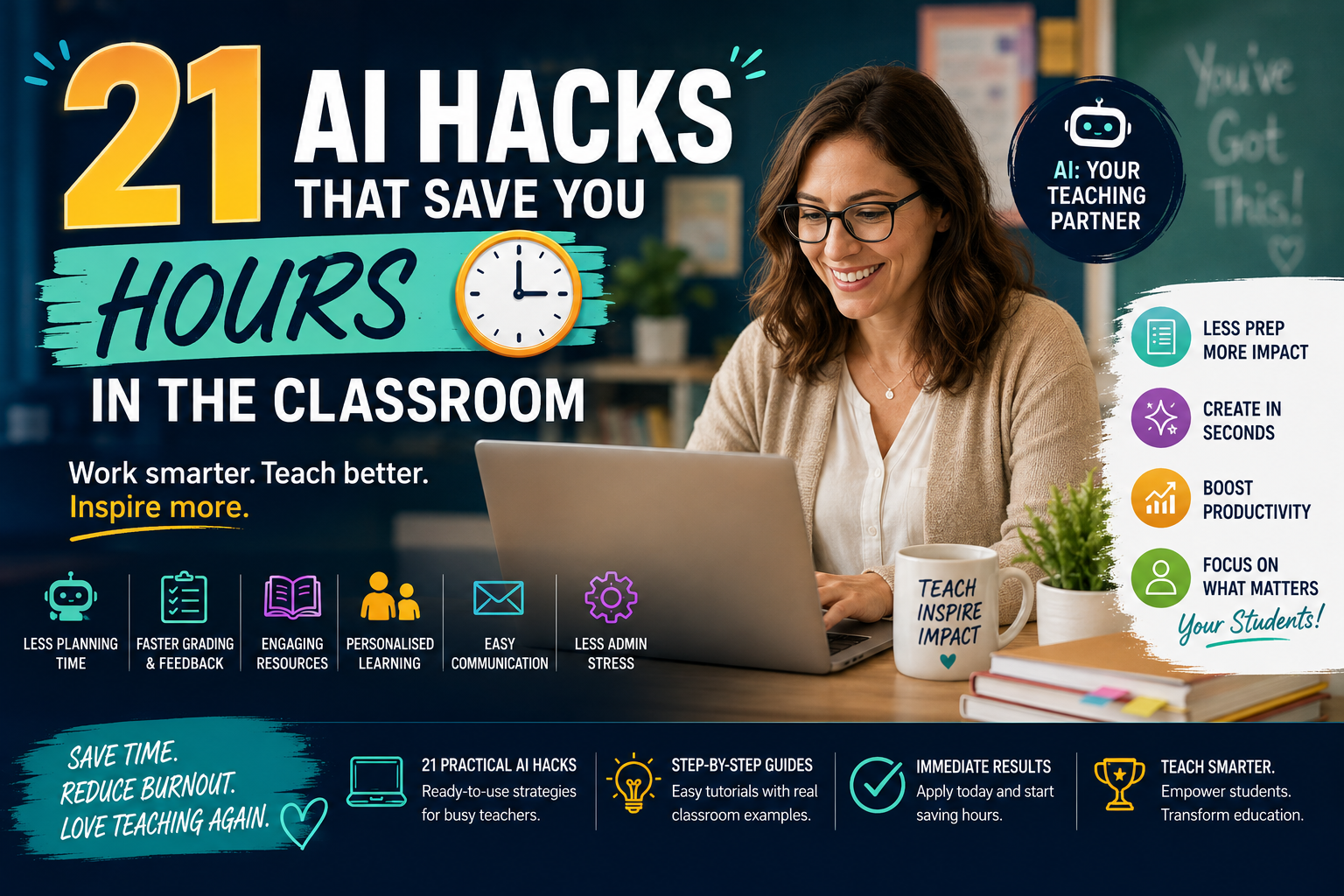
21 AI Hacks That Save You Hours in the Classroom is a practical, hands-on course created for teachers who want to reclaim time and reduce workload using Artificial Intelligence. The course introduces educators to AI tools that can simplify lesson planning, grading, resource creation, communication and administrative work. Through step-by-step demonstrations and real classroom examples, learners explore how to automate repetitive tasks, personalise student learning experiences and improve productivity while maintaining the quality of teaching and learner engagement. By the end of the course, learners will have a toolkit of 21 practical AI strategies tailored to education and designed to support more efficient classroom planning and management.
There are no formal entry requirements for this course. It is designed for teachers, educators and education professionals at all levels who wish to enhance their productivity through Artificial Intelligence. Basic digital literacy and familiarity with common online tools are recommended. Learners should also be willing to explore new technologies and apply AI in practical classroom settings.
Course Fee: £100
The course fee includes access to online learning materials, assessments, tutor support and the student learning portal.
Payment Options:
Please contact the admissions team for further information regarding payment arrangements.
21 AI Hacks That Save You Hours in the Classroom
This module introduces 21 practical, time-saving AI strategies designed specifically for educators. Each hack focuses on simplifying or automating everyday tasks such as lesson planning, grading, communication and resource creation. Learners develop practical approaches to streamlining workflows, reducing administrative burdens and creating more time for meaningful teaching and student engagement.
This course introduces 21 practical, time-saving AI strategies designed specifically for educators. Each hack focuses on automating daily tasks like lesson planning, grading, communication, and resource creation.
By mastering these AI tools, teachers can streamline workflows, reduce administrative burdens, and create more time for meaningful teaching and student engagement, transforming productivity in the modern classroom.
21 AI Hacks That Save You Hours in the Classroom is a practical, hands-on course created for teachers who want to reclaim time and reduce workload using Artificial Intelligence. The course introduces educators to AI tools that can simplify lesson planning, grading, resource creation, communication and administrative work. Through step-by-step demonstrations and real classroom examples, learners explore how to automate repetitive tasks, personalise student learning experiences and improve productivity while maintaining the quality of teaching and learner engagement. By the end of the course, learners will have a toolkit of 21 practical AI strategies tailored to education and designed to support more efficient classroom planning and management.
There are no formal entry requirements for this course. It is designed for teachers, educators and education professionals at all levels who wish to enhance their productivity through Artificial Intelligence. Basic digital literacy and familiarity with common online tools are recommended. Learners should also be willing to explore new technologies and apply AI in practical classroom settings.
Course Fee: £100
The course fee includes access to online learning materials, assessments, tutor support and the student learning portal.
Payment Options:
Please contact the admissions team for further information regarding payment arrangements.
21 AI Hacks That Save You Hours in the Classroom
This module introduces 21 practical, time-saving AI strategies designed specifically for educators. Each hack focuses on simplifying or automating everyday tasks such as lesson planning, grading, communication and resource creation. Learners develop practical approaches to streamlining workflows, reducing administrative burdens and creating more time for meaningful teaching and student engagement.
This course introduces 21 practical, time-saving AI strategies designed specifically for educators. Each hack focuses on automating daily tasks like lesson planning, grading, communication, and resource creation.
By mastering these AI tools, teachers can streamline workflows, reduce administrative burdens, and create more time for meaningful teaching and student engagement, transforming productivity in the modern classroom.

Want to receive push notifications for all major on-site activities?